Zero Trust in the Exam Room: Protecting Patient Data Without Slowing Down Care
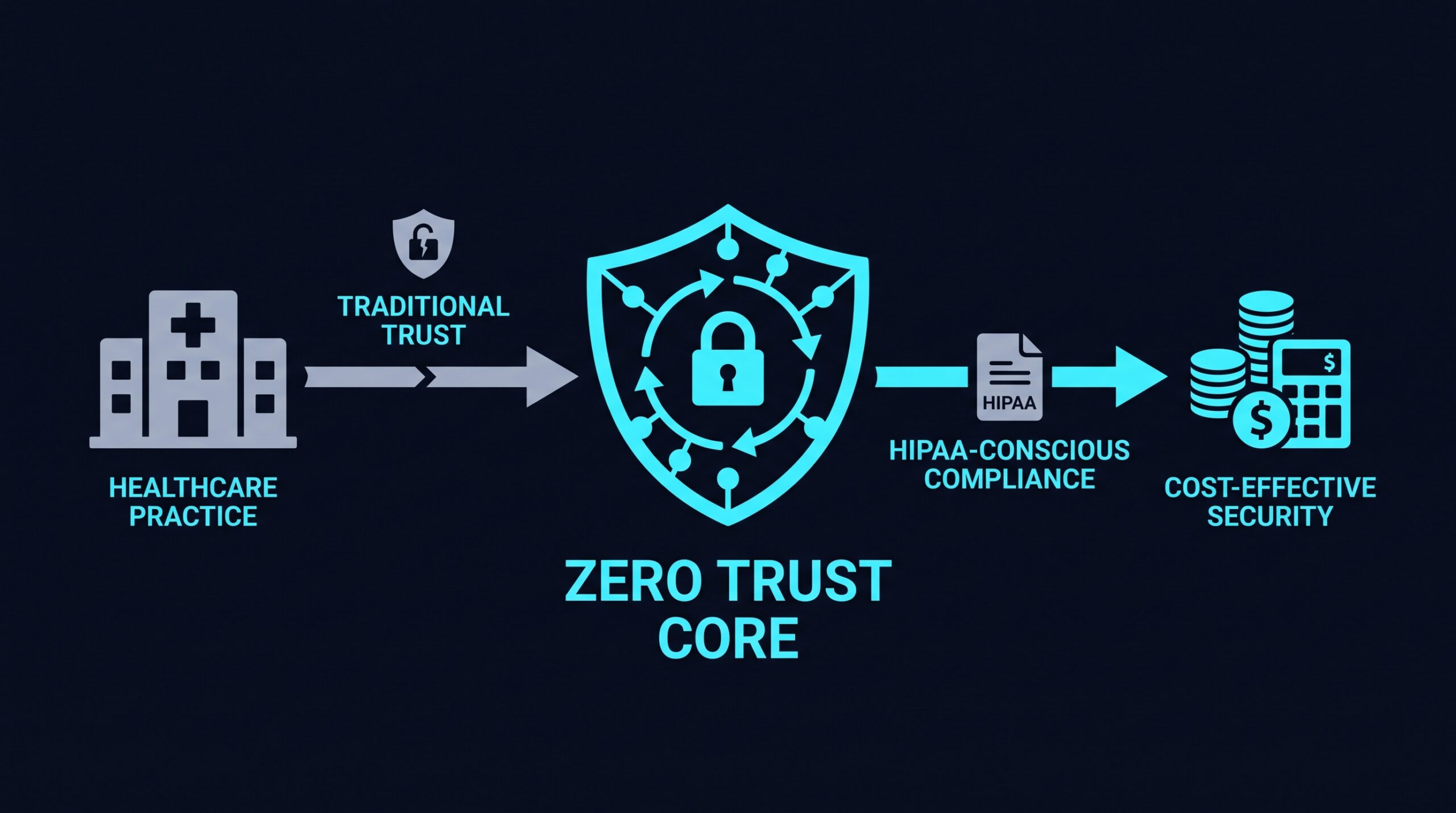
A front desk computer at a five-provider family practice gets hit with ransomware on a Tuesday morning. The scheduling system freezes, the EHR won’t load, and the office manager spends the morning explaining to a waiting room full of patients why check-in is back on paper. No headlines follow. This is the quiet, disruptive kind of incident that happens to small practices that assumed they were too small to be worth attacking.
They weren’t too small. Patient records carry insurance details, Social Security numbers, and medical histories that hold value on their own, and small practices often run thinner IT defenses than a hospital system, which makes them an easier target rather than a less attractive one. Healthcare has ranked among the more frequently targeted sectors for ransomware in recent reporting from the FBI’s Internet Crime Complaint Center and HIPAA Journal, and enforcement activity tied to breach reporting has continued regardless of practice size, according to Compliancy Group’s healthcare data breach research.
For a small practice, the question isn’t whether to take security seriously. It’s how to do it in a way that doesn’t require a full-time IT security hire and doesn’t get in the way of seeing patients.
Why Small Practices Are an Attractive Target
Attackers looking for patient data don’t need to break into a hospital when a dermatology office or physical therapy clinic runs the same EHR software with fewer safeguards around it. Small practices tend to share logins more than they should, run outdated VPN hardware, and give staff broad access “to make things easier,” which is exactly the kind of loose access control that turns one stolen password into a full record dump.
Ransomware groups also know that healthcare providers cannot afford extended downtime. A closed scheduling system means canceled appointments and lost revenue every hour it stays down, which makes practices more likely to pay quickly rather than fight it out. Black Fog’s ransomware tracking has repeatedly flagged healthcare as a sector where attackers expect fast payouts, and that pressure point is a meaningful part of why the industry keeps showing up in breach reporting year after year.
What HIPAA Actually Requires (and What It Leaves Open)
The HIPAA Security Rule requires administrative, physical, and technical safeguards for electronic protected health information (ePHI), but it doesn’t hand practices a specific technology checklist. It asks for things like access control, audit controls, and transmission security, then leaves the “how” up to the organization based on its size and risk.
This is both a relief and a trap. A relief, because a small practice isn’t expected to build the same infrastructure as a 500-bed hospital. A trap, because “we did something” isn’t the same as “we did something effective.” A HIPAA risk assessment that never gets updated after the office switches from a legacy VPN to remote work tools isn’t doing much protecting.
Zero trust principles map onto HIPAA’s technical safeguard requirements reasonably well without forcing a rewrite of how the practice operates. That overlap matters before assuming zero trust is another compliance burden stacked on top of an already long list.
What Zero Trust Actually Means for a Medical Office
Strip away the industry jargon and zero trust comes down to one working assumption: nobody and nothing gets automatic trust just because it’s inside the office network. A front-desk laptop doesn’t get to touch the EHR server just because it’s plugged into the same Wi-Fi as everything else. A staff member’s login doesn’t grant access to every patient record in the system just because they work there.
Instead, access gets checked and limited based on who someone is, what device they’re using, and what specifically they need to do. In practical terms for a medical office, that breaks down into a few concrete pieces.
Verify Identity, Every Time
Multi-factor authentication (MFA) should sit in front of anything that touches ePHI, not just the EHR login screen. Billing software, cloud storage for scanned records, and remote access tools all count. A stolen password alone shouldn’t be enough to get anyone into patient data.
Limit Access to What’s Needed
A billing specialist doesn’t need the same access as a nurse practitioner, and a front-desk scheduler doesn’t need access to clinical notes at all. This is the least-privilege principle, and it matters because when a credential gets compromised, the damage is contained to whatever that one account could reach.
Check the Device, Not Just the Person
Zero trust also looks at the device making the request. Is it running an updated operating system? Does it have security software installed? A personal phone a nurse uses to check messages at home shouldn’t have the same access rights as a managed workstation in the office, even if the login credentials are identical.
Separate the Network into Zones
Guest Wi-Fi in the waiting room should never sit on the same network segment as the EHR server. This sounds basic, but it’s a gap found in a lot of small offices that set up their network once, years ago, and never revisited it as more devices got added. Microsegmentation, splitting the network into isolated zones based on function, limits how far an attacker can move if they get a foothold anywhere.
Remote Work and Telehealth Change the Access Picture
Telehealth visits, remote billing staff, and providers checking charts from home all mean ePHI is no longer confined to the four walls of the office. A traditional VPN treats remote access as an all-or-nothing tunnel into the network, which is exactly the kind of broad trust zero trust tries to avoid.
Zero trust network access (ZTNA) tools take a narrower approach: instead of dropping a remote user onto the whole network, they connect that user only to the specific application or system they’re authorized to use, and nothing else. A biller working from home reaches the billing platform, not the imaging server down the hall.
Products like NordLayer are built around this model, offering access rules based on user role and device posture rather than blanket network access once someone logs in. iFeeltech’s testing of the platform found the role-based controls functioned as described in day-to-day use, though neither iFeeltech nor other outside reviewers have published healthcare-specific certification of any zero trust vendor, so a practice should still confirm HIPAA fit through its own risk assessment and, where relevant, a signed BAA before rolling a tool out. Compatibility with the practice’s existing EHR and ease of staff onboarding matter as much as the access model itself. (If you sign up through some of the links in this article, EdgeTrustNetwork may earn a commission at no extra cost to you.)
Third-Party Vendors Are Often the Weak Link
Small practices rely on outside vendors for billing, transcription, radiology reads, and lab results, and each one of those relationships usually involves a business associate agreement (BAA) under HIPAA. A BAA covers the legal responsibility, but it doesn’t automatically limit what access that vendor’s staff actually has to the practice’s systems.
This is where a lot of practices unintentionally over-share. A billing company might get a login with far more reach into the EHR than its actual job requires, simply because setting up a narrower access path takes more effort upfront. Zero trust architecture addresses this directly: vendor accounts get scoped to only the specific data or application needed, and that access can be time-limited or revoked the moment the relationship ends, rather than lingering as an old login nobody remembered to disable.
Audit Trails Aren’t Optional, and Zero Trust Makes Them Easier
HIPAA’s audit control requirement means a practice needs to be able to show who accessed what patient data and when. This becomes a real headache with loosely managed access, because if everyone can technically reach everything, the audit log is a wall of noise rather than a useful record.
A zero trust setup, by design, generates cleaner logs. Because access is already broken down by user, device, and application, the audit trail shows a more granular picture: which staff member accessed which record, from which device, at what time. That kind of documentation tends to make a HIPAA audit or a breach investigation less painful, since the practice isn’t reconstructing access history from scratch.
Common Mistakes Small Practices Make
A few patterns show up repeatedly in small medical offices trying to shore up security:
- Treating the office Wi-Fi as inherently safe. Being physically inside the building doesn’t mean a device should have unrestricted access to patient systems.
- Sharing logins for convenience. Front desk staff sharing one scheduling login might feel efficient, but it destroys any ability to track who did what.
- Leaving vendor access open indefinitely. A billing company’s access should end when the contract does, not linger for years afterward.
- Relying on a legacy VPN as the whole security plan. A VPN that grants full network access once connected doesn’t limit what a compromised account can reach.
- Never revisiting the risk assessment. HIPAA expects periodic review, and a practice that added telehealth or new remote staff since its last assessment likely has gaps it hasn’t identified yet.
None of these require an enterprise security budget to fix. They mostly require deciding that “how we’ve always done it” isn’t the same as “how we should do it now.”
Starting Small Without Getting Overwhelmed
A practice doesn’t need to overhaul everything in one weekend. A reasonable starting sequence looks something like: turn on MFA everywhere ePHI lives, segment the guest network away from clinical systems, tighten vendor access to only what’s needed, and move remote access away from a flat VPN toward application-specific access.
Each step reduces exposure on its own. None of them require ripping out the EHR or retraining staff from scratch. The goal isn’t a perfect security posture overnight. It’s steadily closing the gaps that turn a stolen password into a breach notification letter mailed to every patient in the practice.
That front desk computer that froze on a Tuesday morning didn’t have to be a gateway to the entire patient database. With access limited to what that one machine actually needed, the ransomware would have hit a dead end instead of a network wide open.