NordLayer vs Cloudflare Access: Which Zero Trust Setup Fits a Small Team
A ten-person marketing agency and a two-hundred-person logistics company both need to stop giving every employee unrestricted access to internal systems just because they have a login. But the tools that make sense for one rarely make sense for the other. That’s the real story behind picking between NordLayer and Cloudflare Access. The choice has less to do with which product is “better” and more to do with which one matches the shape of your business.
Both are legitimate ways to implement zero trust network access, meaning users and devices get checked before every connection to an app or resource, not just once at login. But they come from different directions, and that difference shows up in pricing, setup, and who each one is really built for.
Two Different Starting Points
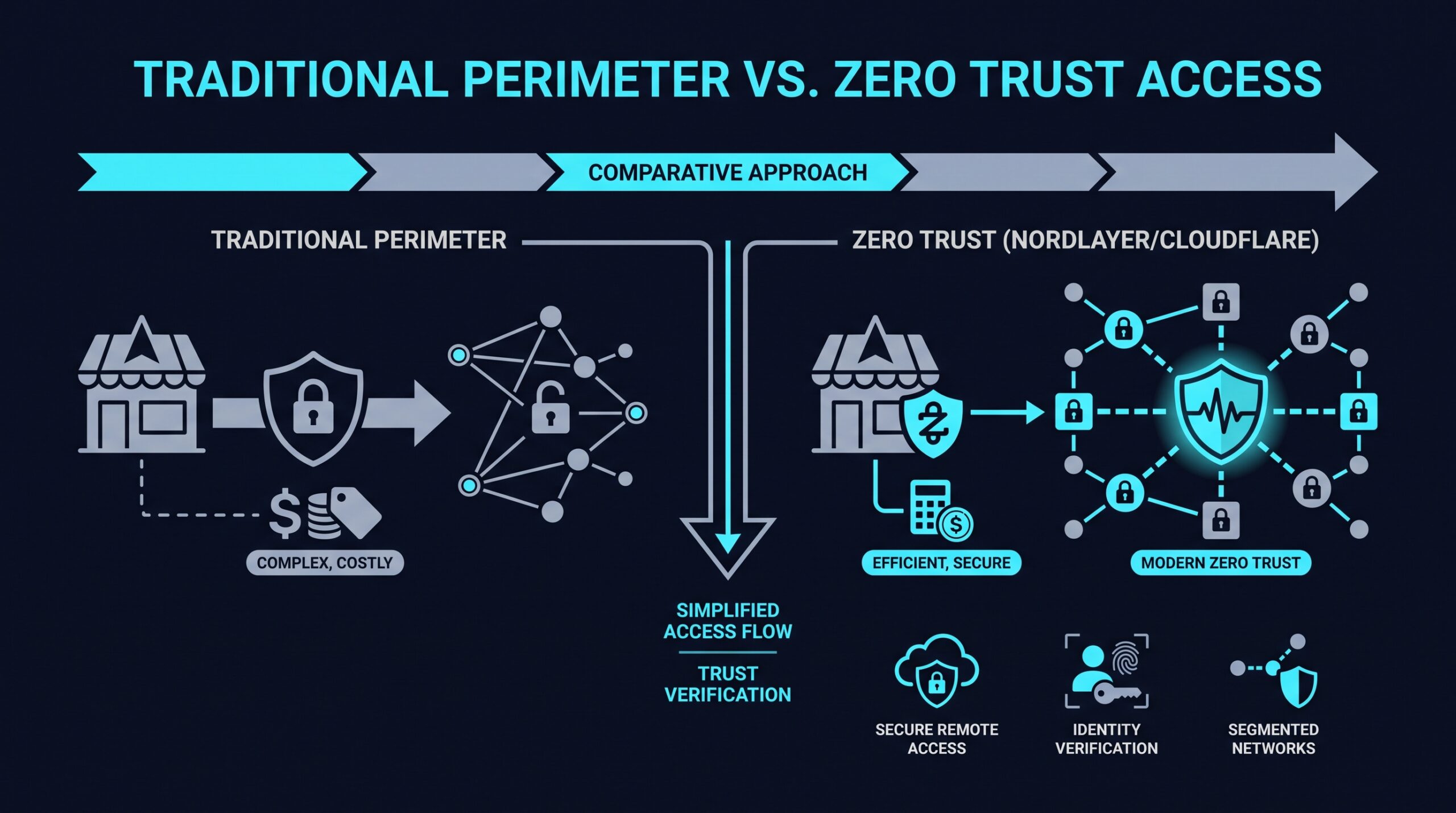
Cloudflare Access grew out of Cloudflare’s much larger business: content delivery, DDoS protection, and web performance infrastructure that already sits in front of a huge share of the internet’s traffic. Access is one piece of a broader platform often described as SASE (secure access service edge), which bundles networking and security functions together. Precision matters here, though. According to ZeroTrustCost.com’s vendor-neutral comparison (Q2 2026), Cloudflare offers a broad set of SASE components through Access and Gateway, but it doesn’t function as a self-contained SASE stack on its own. It requires an external identity provider to handle authentication, which adds a piece you’ll need to source separately if you don’t already have one.
NordLayer, by contrast, was built specifically as a standalone zero trust access tool. It doesn’t come attached to a CDN or a DNS business, and it’s packaged that way on purpose: fewer moving parts, narrower scope, one job.
Neither approach is wrong. It just means you’re evaluating two different kinds of companies solving the same core problem from opposite ends.
What Cloudflare Access Brings to the Table
If your business already runs on Cloudflare for its website or applications, Cloudflare Access has an obvious advantage: it plugs into infrastructure you’re already paying for. The iFeeltech VPN vs Zero Trust for Small Business Guide (March 2026) points to Cloudflare Access as the stronger pick for businesses that want one platform covering more than just remote access, and for those chasing the lowest entry-level cost.
On the pricing itself, the SpendHound Cloudflare pricing database (July 2026), which aggregates Cloudflare’s own published documentation, lists a free tier covering up to 50 users, with paid plans running around $7 per user per month beyond that. ZeroTrustCost.com’s Q2 2026 comparison reports figures in the same range. Pricing shifts over time, so confirm the current numbers on Cloudflare’s own pricing page before budgeting around them.
If you sign up through some of the links in this article, EdgeTrustNetwork may earn a commission at no extra cost to you.
That free tier matters for very small operations testing the waters, but it’s designed to move you into paid tiers as usage grows. The iFeeltech guide also notes Cloudflare’s approach tends to favor businesses that prioritize administrative ease at scale, which usually means it fits better once you have IT staff or a managed provider handling configuration rather than a founder squeezing it in between other tasks.
What NordLayer Brings to the Table
NordLayer takes a narrower approach. Instead of trying to be a full networking and security suite, it focuses on zero trust access and pairs it with a cloud-based firewall in one product, not a hardware appliance.
According to the iFeeltech guide, NordLayer fits well for teams of roughly ten to fifty employees who want an integrated ZTNA and firewall setup without stitching together separate tools. NordLayer’s own pricing page (verified September 2026) lists three per-user tiers, roughly $8, $11, and $14 per month, with a five-user minimum on paid plans. TechRadar’s NordLayer review (December 2024) reported figures in the same range, and 2026 sources reconfirm them.
There’s a wrinkle worth knowing before you build a budget around the headline number. Buyer guides at Ecommerce Paradise and CostBench (2026) document a mandatory $40 add-on for the dedicated server component on NordLayer’s Core and Premium plans. That’s a fixed cost on top of per-user pricing, and it changes the math for a very small team more than a larger one, since it’s spread across fewer seats. Check current terms directly with NordLayer before assuming the per-user figure is the whole story.
The appeal isn’t the exact number so much as the model: costs scale in a predictable, headcount-based way, rather than depending on usage tiers tied to a much larger platform. For a business that doesn’t want to become fluent in a sprawling security stack just to lock down remote access, that simplicity is the actual selling point, not a consolation prize.
Where the Decision Actually Comes Down To
Strip away the marketing language from both vendors and the choice tends to hinge on three practical questions.
How big is your team, and how fast is it growing?
The iFeeltech guide flags the ten-to-fifty employee range as NordLayer’s sweet spot, with a five-user floor on paid plans. If you’re solidly in that range and don’t expect a jump into enterprise territory soon, a standalone tool sized for that range is easier to reason about than a platform built to also handle much larger deployments.
What are you already paying for?
If Cloudflare is already part of your stack, for content delivery or DDoS protection, Cloudflare Access has a natural on-ramp. If you have no existing Cloudflare relationship, that advantage disappears and you’re evaluating it purely on its own merits as an access tool, external identity provider included.
Do you want one thing done well, or several things done adequately?
This is the honest version of the ecosystem-versus-standalone tradeoff. A wider platform can reduce the number of vendors you manage, but it can also mean you’re running a general-purpose tool for a job a specialized one might handle more directly. Neither is automatically correct. It depends on how much complexity your team can absorb, and who’s actually going to manage it day to day.
Setup and Administration
Small business owners often underestimate how much day-to-day admin burden matters until they’re the one stuck configuring policies at 9pm. Cloudflare Access, as part of a larger platform with an external identity provider in the mix, generally involves more moving parts and more configuration surface. The iFeeltech guide ties this directly to its strength in administration at scale: more setup complexity upfront, but more room to manage large, varied user bases once it’s running. That’s a benefit if you have someone dedicated to managing it, and friction if you don’t.
NordLayer’s narrower scope tends to mean fewer settings to reason about and a shorter path from signup to a working setup. That doesn’t mean the rollout will be effortless. It means there’s less surface area to get lost in, which matters more for a five-person shop than a five-hundred-person one.
What Neither Vendor Solves on Its Own
Choosing a zero trust access tool, whichever one, doesn’t remove the need for basic security hygiene: strong authentication practices, device management, and clear policies about who should have access to what in the first place. Zero trust tools enforce policies. They don’t decide what those policies should be for you.
Both platforms also require some upfront thinking about how you’ll group users, which resources need the tightest controls, and how you’ll handle contractors or temporary access. That planning work looks a little different depending on which platform you pick, but it doesn’t disappear with either one.
Making the Call for Your Business
If you’re a lean team, comfortably in that ten-to-fifty range, without an existing Cloudflare footprint, and you want predictable per-user costs paired with a cloud firewall built in, NordLayer’s positioning as a standalone ZTNA tool lines up with that profile. Just build the $40 server add-on into your math rather than treating the per-user rate as the full price.
If you’re already inside Cloudflare’s ecosystem, want a free entry point for a small user count, or expect to scale into a broader SASE setup down the road, Cloudflare Access is the more natural extension of what you’re already running. Just budget for an external identity provider as part of that setup rather than assuming Access alone covers authentication.
Neither choice locks you in permanently, and neither is a universal answer for every small business. The specific pricing tiers, user minimums, and add-on fees cited here come from vendor pricing pages and independent aggregators dated through 2026, and vendors do update these numbers, so confirm them directly with Cloudflare and NordLayer before signing anything. The right move is matching the tool to the team you have now, not the enterprise you might become someday, and reassessing as that team actually changes shape.
That agency of ten and that logistics company of two hundred were never going to land on the same answer. The point isn’t finding the “best” zero trust tool. It’s finding the one that fits the business you’re running today, at the price it actually charges once the add-ons are counted.